
If you watch a lot of YouTube you soon realise the amount of sponsored interruptions to a video is significant. This is where isponsorblocktv comes in to play.
It can be found here https://github.com/dmunozv04/iSponsorBlockTV
I’m using Docker for this example and its hosted on a LXC container within Proxmox. I then use Portainer to manage the docker containers.
Creating the config file
From your terminal type the following, making sure you change “/PATH_TO_YOUR_DATA_DIR” is changed to where you keep your docker data.
docker run --rm -it \
-v /PATH_TO_YOUR_DATA_DIR:/app/data \
ghcr.io/dmunozv04/isponsorblocktv \
--setup-cli
Docker
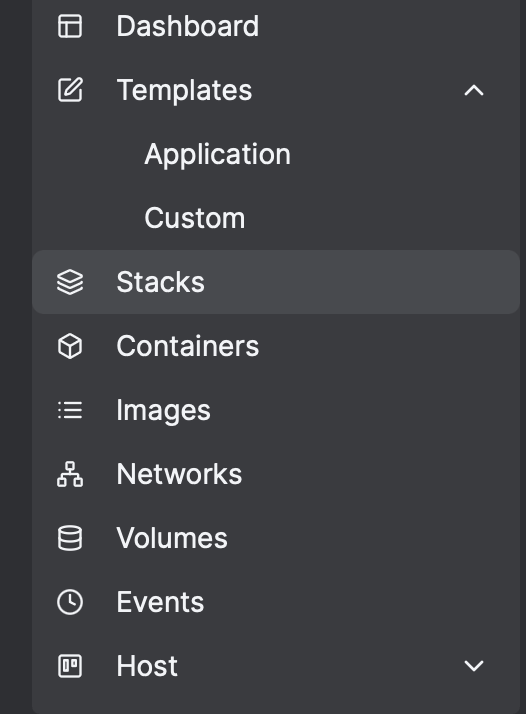
The instructions below will be tailored to Portatiner. So, from Portainer, select “Stacks” from the menu.
Select “Add stack”
Give your stack a title, I used something very original and called it “isponsorblocktv”. Enter the docker compose information below:
services:
iSponsorBlockTV:
image: ghcr.io/dmunozv04/isponsorblocktv
container_name: iSponsorBlockTV
restart: unless-stopped
network_mode: host
volumes:
– /PATH_TO_YOUR_DATA_DIR:/app/data #enter the same pathway as you used for your configurator in step 1
remember and change “/PATCH_TO_YOUR_DATA_DIR” so it picks up the config file you created earlier.

 Jayserv
Leave a comment