
I often found myself logging in to Uptime Kuma and noticing that something had been offline for a reason or another. This has prompted me to look at a proper notification service for my homelab.
What is Pushover?
Pushover provides a notification service to your desktop, iPhone, iPad or android device. It costs just £5 per device – although you get a 30 day trial which isn’t too bad!
Lets get started
- I use an iPhone so I downloaded the app from the App Store. You’ll be prompted with a registration page so do that to register.
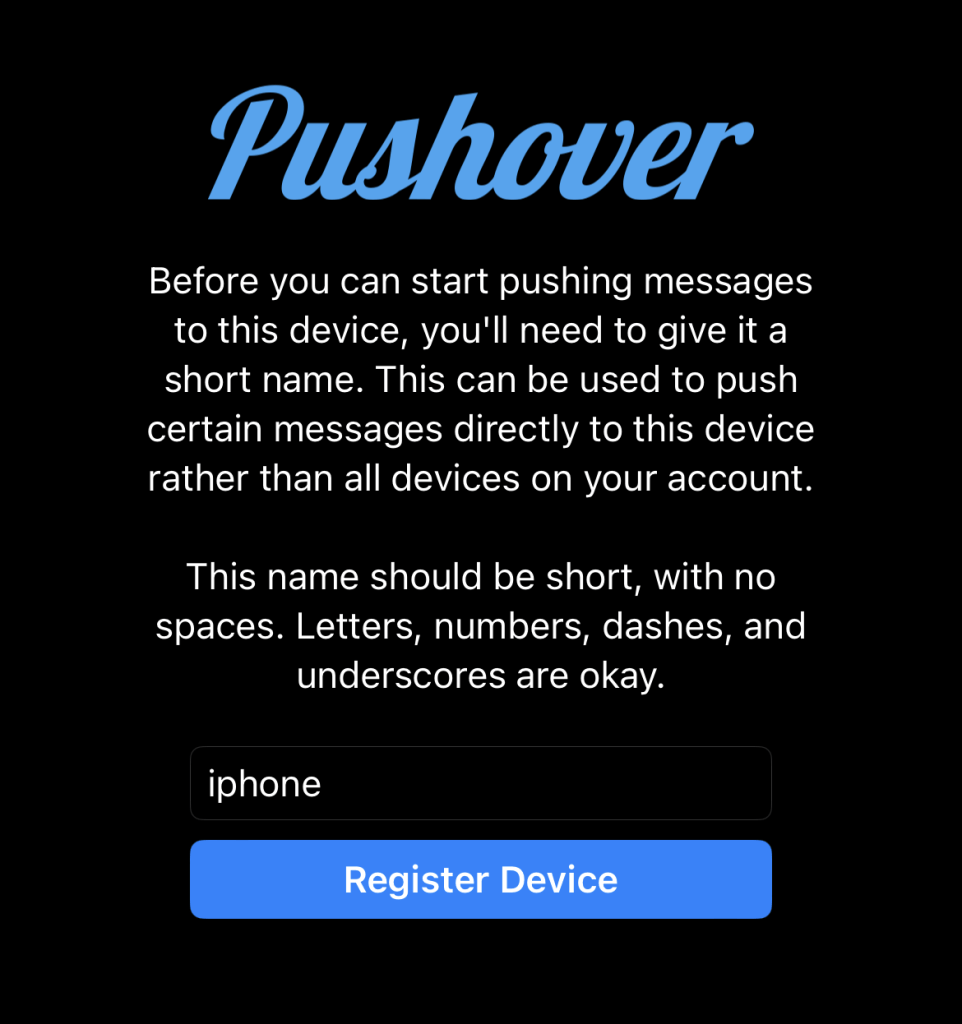
- Naturally, I called my device ‘iphone’
- From the https://pushover.net login page take note on your user key
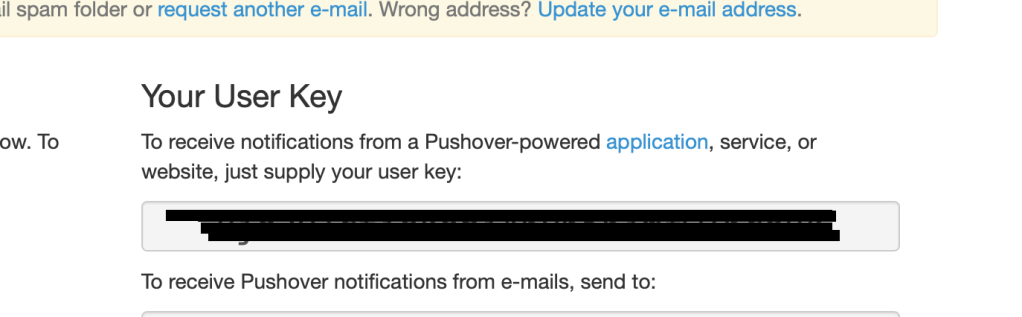
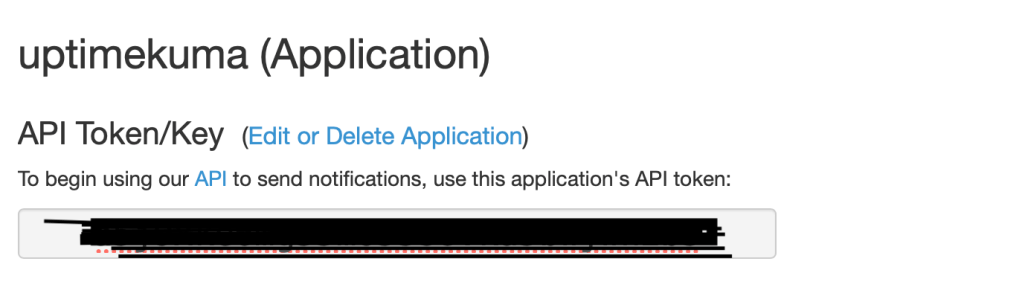
- From further down the page create an application API Key

- From the new page enter your application name. For my example I’m using ‘Uptime kuma’.
- Accept the terms of service and create.

- Once created you’ll be presented with the API Key.
Uptimekuma Configuration
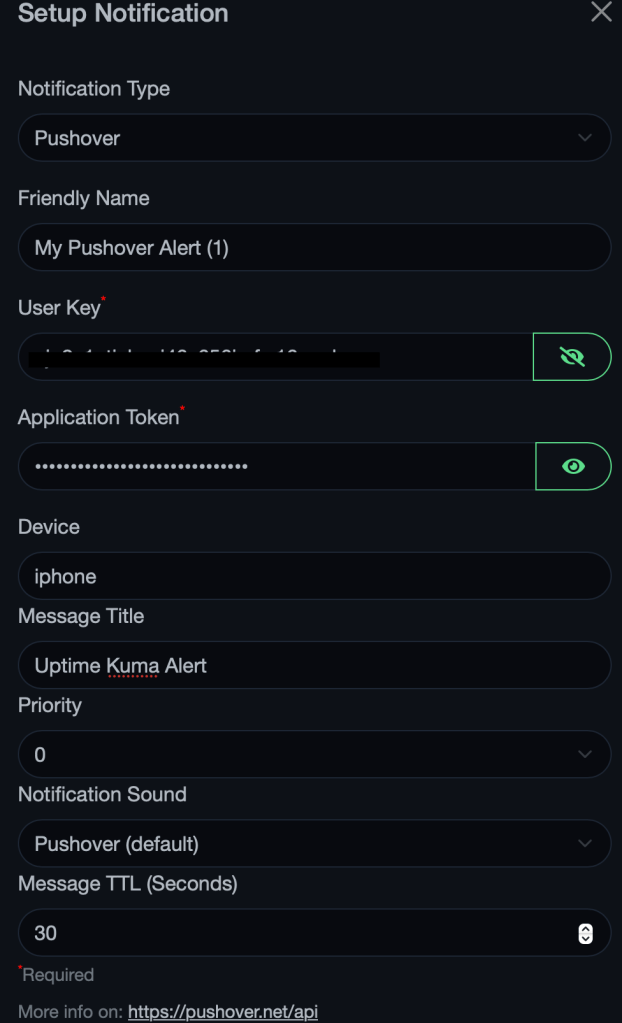
- From settings –> Notifications –> Setup notifications
- Enter the information below
- Notification Type = Pushover
- Friendly Name = I left as default
- User key – From pushover
- Application token – From your newly created application in pushover
- Device = The name of your device, in my example ‘iphone’
- Message title = Uptime Kuma Alert
- Default enabled = ticked
- Apply on all existing monitors = ticked
Enjoy your new notifications.

 Jayserv
Leave a comment